Mobile Devices
(phones, tablets, etc.)
- Make sure you have a PDF viewing app on your device such as iBooks, Kindle, Dropbox, or Google Drive.
- Now open the PDF link from the button above. It will open in your web browser.
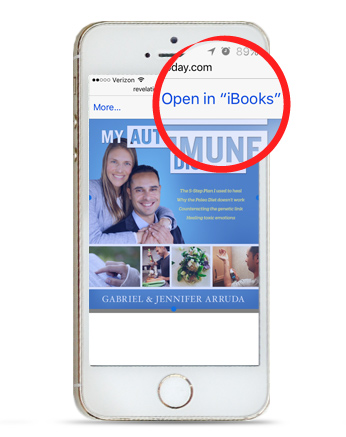
- You will briefly see a button at the top right of the screen: “Open in [name of app].”
- Tap the screen to make the button reappear, then tap the “Open in…” button.
- Select the app you'd like to use (such as iBooks), and then your PDF eBook will open in that app.
- If you picked either iBooks or Kindle, the eBook will automatically be saved to your phone.
- You can access your eBook again by opening that app and finding it the app's library.
Computers
(desktops, laptops, etc.)
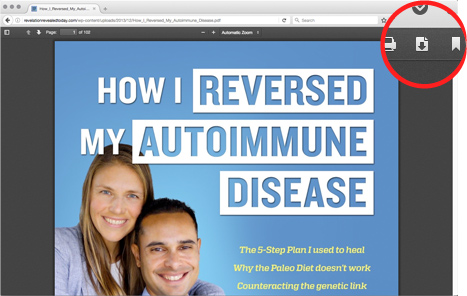
- After clicking the Download My eBook button above, your PDF eBook will open in your web browser.
- Click the Download button in the upper right of the screen and the file will be saved to your downloads folder on your computer.